

Active Stylus Pen for Dell 2 in 1 Laptop for Latitude 5285 5289 5290 7285 7390 7400, Inspiron 7420 7425, XPS 15 9570, Computer Touchpad Stylus (Check The Compatible List Before Purchase)
Product details
| Management number | 239747970 | Release Date | 2026/07/14 | List Price | US$8.80 | Model Number | 239747970 | ||
|---|---|---|---|---|---|---|---|---|---|
| Category | |||||||||
Q1: Do all DELL laptops support active pen? A1: No, not every DELL model is compatible with active pen. Q2: How to find if my dell laptop support active pen? A2: Please go to "Settings>System>About" and check the "Pen and Touch" description. If it reads "Pen and Touch support with 10 touch points", your laptop should be active pen compatible. If it says "Touch support with 10 touch points", you will not be able to use an active pen. Q3: How can I confirm if this pen is suitable for my dell laptop? : Please see the compatible list. If your model number is not in the list, please con-tact us with your model number before purchase. Q4: How to find the model number of my dell laptop? A4: You can find model number of your laptop via following steps. Easiest: Find the Dell Laptop Model Number on the identification label on the laptop. Next Easiest: Right-click on Start > System > Settings (About) Screen > Device specifications. Alternatives: Use the Dell Support Assist Application, the Windows System Information Window, or go into BIOS settings. Q5: How to use this pen? A5: The pen will work right away when you put in the battery if your device is compatible. You don’t need to pair with Bluetooth. Q6: How to insert the battery? A6: Please put the battery positive side down into the battery compartment.
- 【Compatible Models】 This active stylus pen for Dell 2 in 1 is only works with Inspiron 2 in 1 7420/7425/7620; Latitude 2 in 1 5285/5289/5290/5300/5310/5320/7200/7210/7285/7310/7320/7389/7390/7400/7410/7420/9410/9420/9510/9520; XPS 2 in 1 15 9570/9575/9310/9365. Same as original DELL PN5122W PN557W PN7522W.
- 【High-end Technical Support】 The premium active pen adopted “Active ES” pen technology, unique capacitive pen solution. It enables responsive, natural and intuitive writing & drawing experience, accurately reproducing intricate details of art pieces.
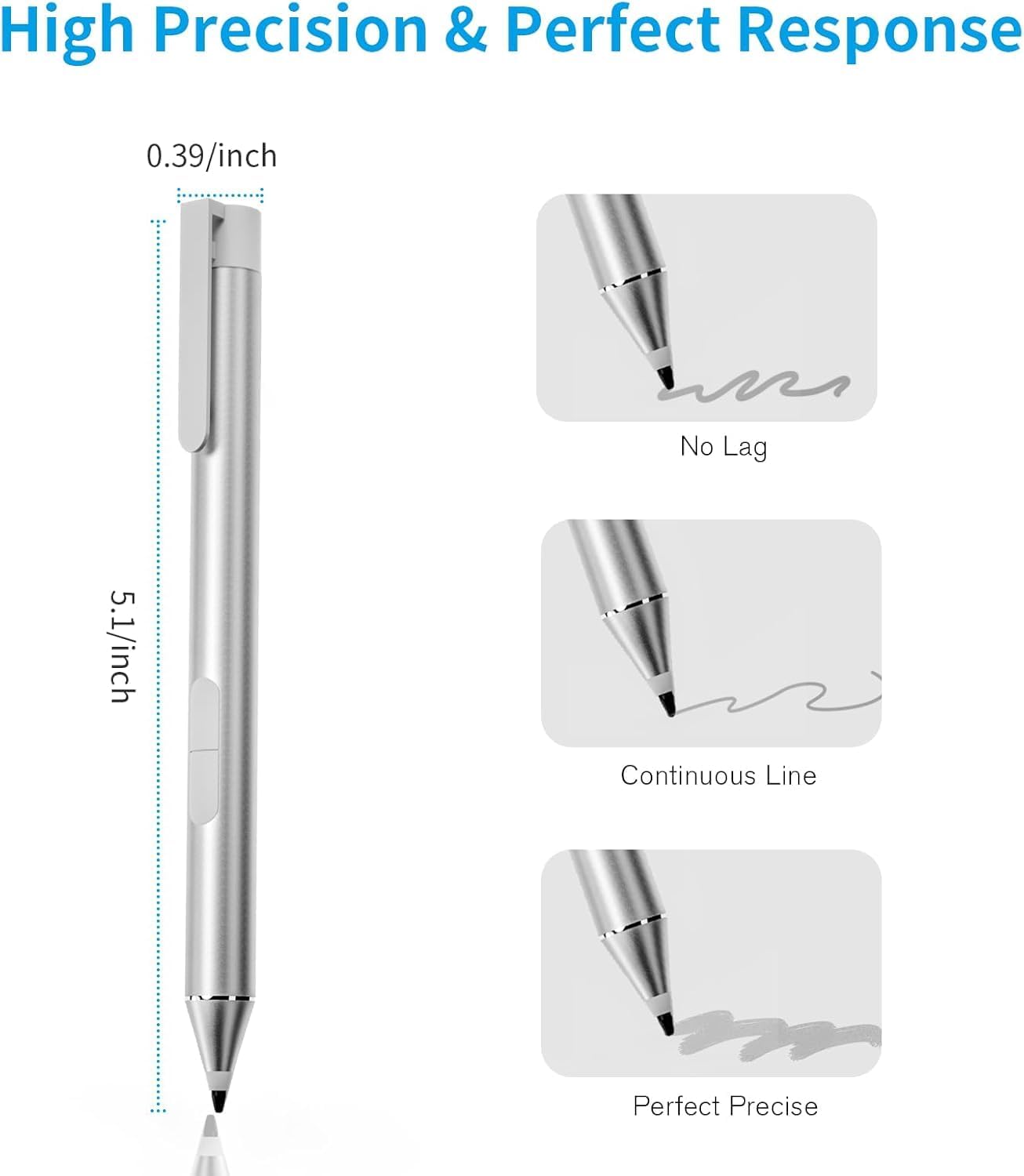
- 【Natural Writing】 A Pen that's ready for the professional - Write, draw, or mark-up documents digitally. The stylus for dell touchscreen laptop with 2048 levels of pressure sensitivity ensures a scratch-free use with your screen, provide Highly Sensitive and Precise Writing & Painting Experience, response time within 25 milliseconds, accuracy down to 0.5 mm.
- 【Palm Rejection】 When you write or draw with this stylus pen, you can rest your hand comfortably on the screen without worrying about annoying marks.
- 【Automatically Pairing】 This stylus pen for dell 2 in 1 is very easy to use, no drivers or Bluetooth connection required, just plug in the battery and it works perfectly! Packing include: 1x Touch Pen, 1x AAAA Battery. 18-Month Limited Warranty.
| UPC | 763663184080 |
|---|---|
| ASIN | B0DB5X9132 |
| Brand | TALTAW |
| Color | Silvery |
| Unit Count | 1.0 Count |
| Item Weight | 0.02 Kilograms |
| Manufacturer | TALTAW |
| Model Number | G2 |
| Mfr Part Number | G2 |
| Compatible Devices | Dell 2 in 1 is only works with Inspiron 2 in 1 7420/7425/7620; Latitude 2 in 1 5285/5289/5290/5300/5310/5320/7200/7210/7285/7310/7320/7389/7390/7400/7410/7420/9410/9420/9510/9520; XPS 2 in 1 15 9570/9575/9310/9365 |
| Enclosure Material | Aluminum |
| Battery Description | Alkaline |
| Number of Batteries | 1 AAAA batteries required. (included) |
| Warranty Description | 1 Year |
| Are Batteries Included | Yes |
| Are Batteries Required | Yes |
| Compatible Tablet Computer Models | Dell Latitude 5285 |
| Minimum Required Operating System Version | Windows 10 |




Bestseller ranking
Modern Shower Curtains



Customers who viewed this product also viewed
Stylus Pens


Correction of product information
If you notice any omissions or errors in the product information on this page, please use the correction request form below.
Correction Request Form